Web Download
Download files from the internet directly to your device through conversation.
Download files through conversation
Give Chalie a URL and it downloads the file to your device. Useful for grabbing datasets, installers, PDFs, archives, images, or any other file — and then working with it in the same conversation.
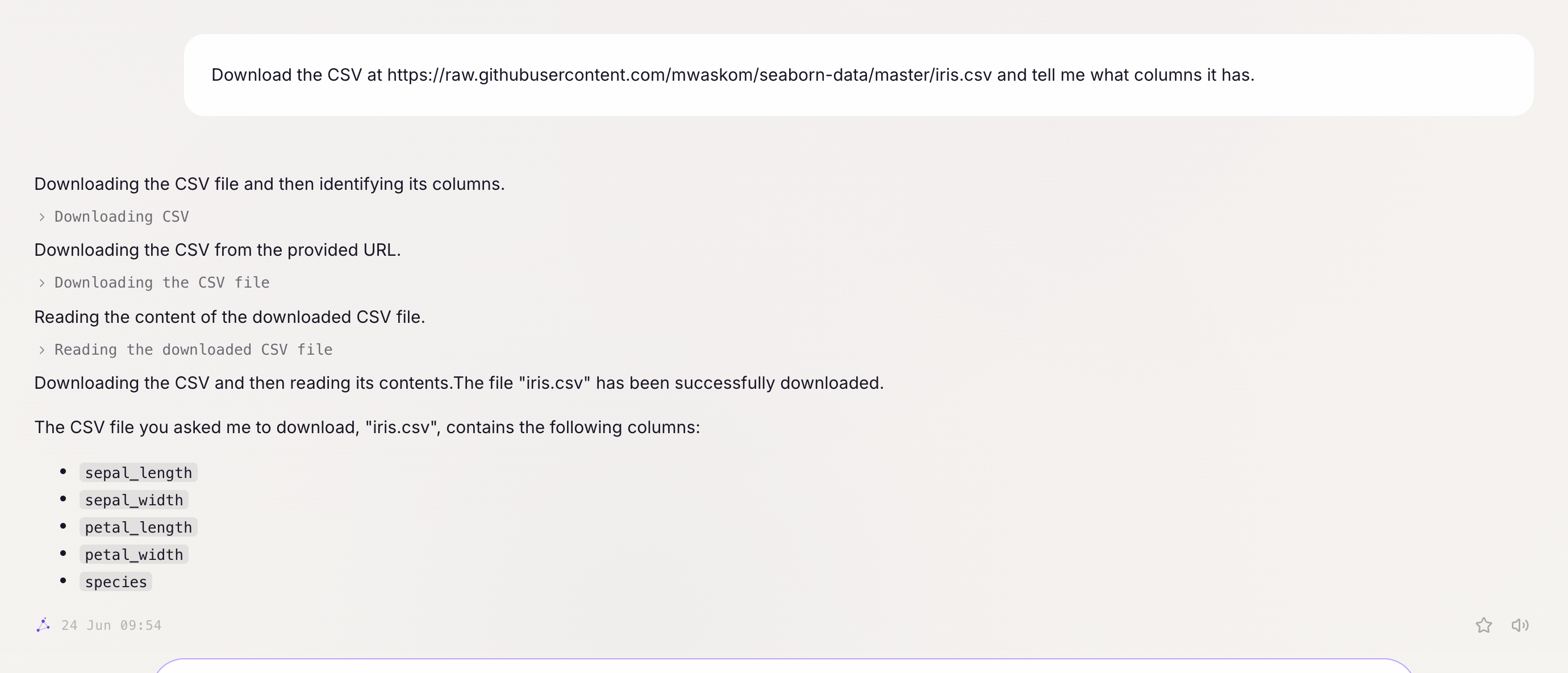
Getting started:
- “Download the file at this URL: [url]”
- “Grab that CSV and tell me what columns it has.”
- “Download the latest release archive from that GitHub link.”
Basic downloads
Provide a URL and Chalie fetches it:
- “Download the PDF at https://example.com/report.pdf.”
- “Grab the dataset at that URL I just pasted.”
- “Download that zip file and tell me what’s inside.”
Files are saved to a temporary location on your device. Chalie reports the path, file size, and content type after downloading.
Combining download with other tasks
The download step is usually a means to an end:
- “Download that CSV and calculate the average of the ‘revenue’ column.”
- “Grab the JSON file at that URL and tell me how many records it contains.”
- “Download the PDF and summarise its contents.”
After downloading, you can ask Chalie to read, analyse, or process the file using its other abilities.
Limits
- Files up to 100 MB can be downloaded.
- Downloads time out after 15 minutes by default (up to 2 hours for large files).
- Private or internal network addresses are blocked for security.
Privacy
Downloaded files are stored temporarily. They are not uploaded to any external service unless you explicitly ask Chalie to use them with an external tool or send them somewhere.