Skills
Teach Chalie new procedures and workflows so it handles complex tasks the way you want.
What are Skills?
Skills are step-by-step playbooks that tell Chalie how to approach a task. Instead of figuring things out from scratch each time, Chalie follows a proven procedure — calling the right tools in the right order, asking the right questions, and producing structured output.
Think of a skill as a recipe. When you ask Chalie to help plan a trip, write a competitive analysis, or work through your inbox, the relevant skill provides the steps to follow. Each step references specific tools (search, memory, documents, schedule) so Chalie knows exactly what to do and in what order.
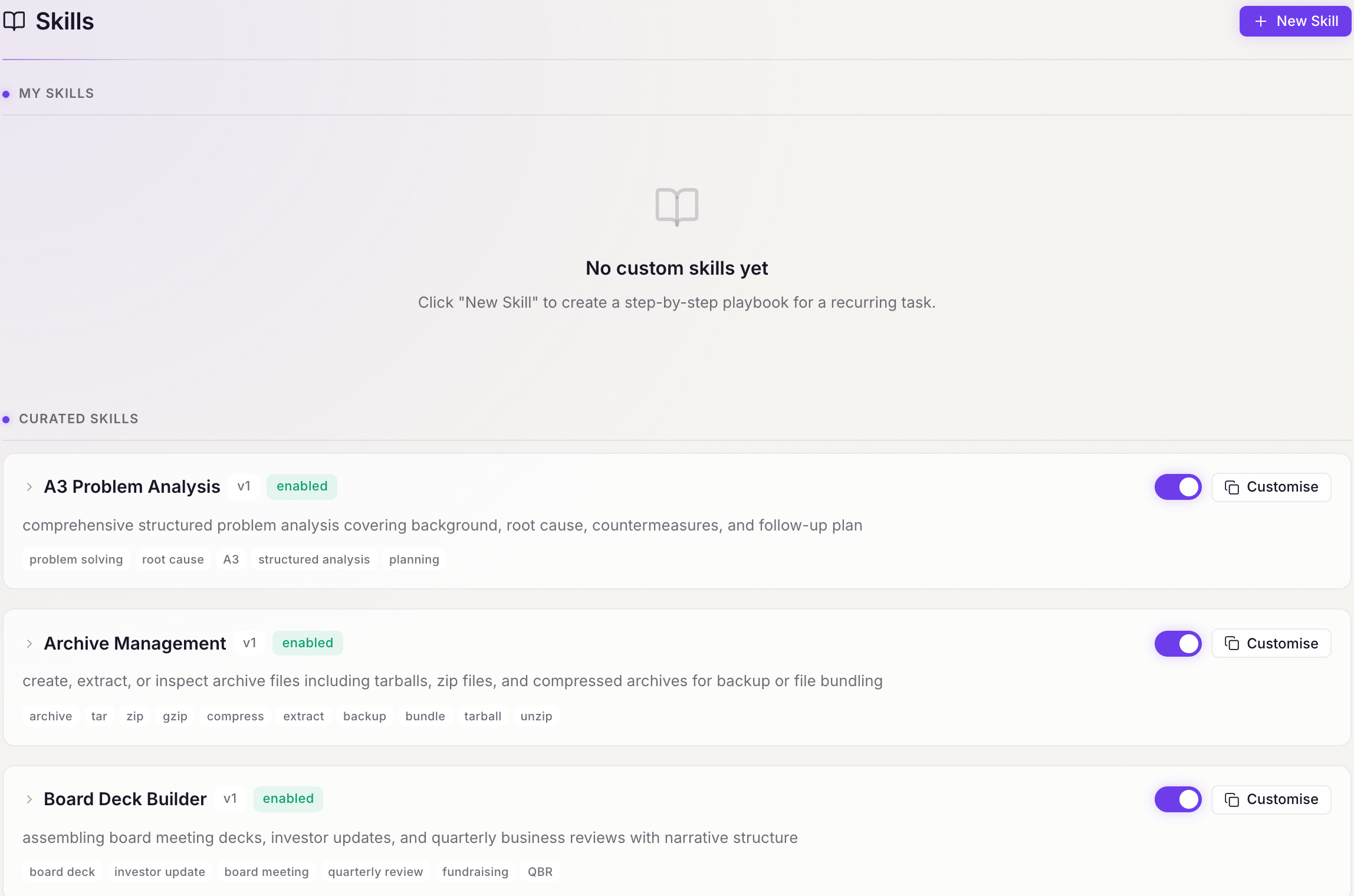
Two kinds of Skills
Curated Skills
Chalie ships with a library of curated skills covering common tasks — research, planning, writing, analysis, and more. These are maintained by the Chalie team and updated with each release. You can enable or disable any curated skill from the Brain interface.
User-created Skills
You can create your own skills by describing the procedure you want Chalie to follow. User-created skills are stored locally on your device and indexed alongside the curated library so Chalie can find them when they’re relevant.
How Skills are discovered
You don’t need to name a skill explicitly. When you describe a task, Chalie searches the skill library to find the most relevant playbook and follows it automatically.
Each skill is indexed with embeddings and full-text search. When you say “help me write a board deck”, Chalie matches that against skill titles, descriptions, and tags and picks up the right playbook without any prompting from you.
You can also ask Chalie directly:
- “Do you have a skill for meal planning?”
- “What playbooks do you have for research?”
- “Find me a framework for competitive analysis.”
Personalisation
Skills adapt to you over time. As Chalie learns how you work, it applies your preferences to skill playbooks — adjusting steps, defaults, and outputs to match what you’ve shown you want. Nothing to configure; it happens on its own.
Next steps
- Manage Skills — enable, disable, and organise your skill library
- Create Your Own — build custom skills for your workflows
- Built-in Skills — browse all curated skills shipped with Chalie